Educational overview only. Prudent Guardian (inspirecodingedu.com) is not an insurance company, broker, law firm, or registered investment adviser, and does not provide personalized insurance, investment, tax, medical, or legal advice. Verify details with licensed professionals and official issuers.
This fillable correspondence-log table centralizes records of all incoming and outgoing official household communications to eliminate lost paperwork and missed response deadlines. It covers all official communications including insurance claim updates, school district notices, federal and state tax correspondence, home contractor bids and change orders, medical billing statements, property management notices, and legal service updates, creating a verifiable paper trail if disputes arise over document receipt or deadline adherence. This educational resource from Prudent Guardian walks through setup, maintenance, and cross-referencing steps you can implement with your own household paperwork, and does not constitute legal, insurance, or tax advice; always confirm requirements directly with the issuing party or licensed professional relevant to your request.
Table form field adjustments for matching unique household correspondence categories
The base table fields are designed to work for most households, but you can add or remove columns to align with your unique needs. For example, households running a small home business can add a “Client Name” field for business-related correspondence, while households with active rental properties can add a “Property Address” field to sort tenant and property management communications. For households with minor children, add a “Student Name” field to easily sort school and after-school program communications, and for households with ongoing medical care, add a “Patient Name” field to organize billing and care plan updates. You can build this table in free tools like Google Sheets, Excel, or a printed bound notebook if you prefer physical record-keeping, and add drop-down menus for category and response fields in spreadsheet tools to speed up data entry and ensure consistent categorization. The base fillable table is below:

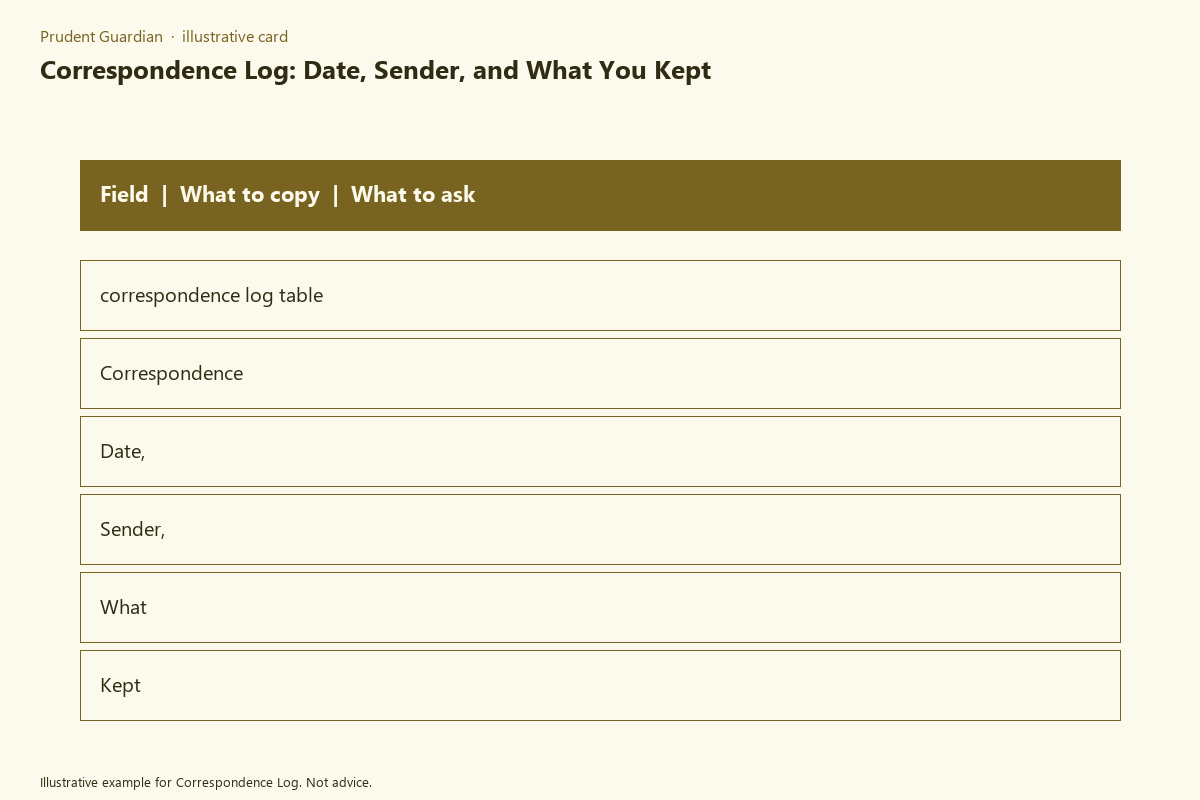
| Log ID Number | Date Received/Sent | Sender/Recipient Full Name & Entity | Correspondence Category | Summary of Content | Response Required (Y/N/No Action) | Response Deadline (if applicable) | Physical/Cloud Storage Location | Follow-Up Completed (Date / N/A) |
|---|---|---|---|---|---|---|---|---|
| 2024-001 | 03/12/2024 | Maplewood Auto Insurance Claims Dept | Auto Insurance Claim | Request for 2023 vehicle inspection report for claim #45987, submitted following 02/28/2024 fender bender | Y | 03/26/2024 | Cloud > Insurance > 2024 Auto Claim Folder | N/A |
| 2024-002 | 03/14/2024 | Sent to Jefferson County Tax Assessor | Property Tax | Submitted signed 2024 homestead exemption application with proof of primary residence | N | N/A | Physical File > Tax > 2024 Homestead Exemption Folder | 03/14/2024 |
| 2024-003 | 03/16/2024 | Lincoln Elementary School District | K-12 School Communication | Notice of 2024-2025 school year registration opening for rising 3rd graders | N | N/A | Cloud > School > 2024-2025 Registration Folder | N/A |
| [Add new rows as needed] | [Enter date] | [Enter party details] | [Select from pre-defined categories] | [1-2 sentence summary, include reference numbers if available] | [Y/N/No Action] | [Enter date or N/A] | [Enter full file path or link] | [Enter date or N/A] |
Labeled folder entry organization for grouping logged correspondence by priority level
After you log an entry in the table, file the physical or digital copy in a labeled folder system aligned with priority to eliminate time spent sifting through unorganized paperwork to find time-sensitive items. Split your folder system into three non-negotiable priority tiers: Immediate Action (response required within 14 days), Scheduled Action (response required between 15-90 days), and Archived (no action required, kept for long-term record-keeping). Within each priority tier, group folders by the correspondence categories you defined in your log table, such as insurance, tax, medical, school, home services, and legal.
Color-code physical folder tabs to match priority levels: red for Immediate Action, yellow for Scheduled Action, green for Archived, so you can identify the correct folder at a glance. For digital folders, use matching color-coded labels in your cloud storage tool for consistent visual alignment. Write the log ID number from your table in the top right corner of the first page of all physical correspondence before filing, and add the log ID to the start of all digital file names, so you can cross-reference the log entry in seconds if you pull the file later. Reference your state’s official record retention rules to set timelines for deleting archived files, such as retaining tax records for 7 years and home improvement records for as long as you own your property.
Logged letter attachment storage guidelines for linking physical copies to table entries
Every entry in your correspondence log must be linked to a verifiable copy of the original document, no exceptions, to protect you if a party claims they never received your submission or you never received their notice. Never rely solely on the sending party to retain copies of your documents, as many entities only keep records for a limited period and may not be able to locate your submission if you need to reference it months or years later.
For physical incoming correspondence, scan a full copy including all pages, the envelope with visible postmark, and any included attachments, before filing the physical copy or shredding it if you only keep digital records. For outgoing correspondence, always save a copy of the full document you sent, plus proof of delivery (certified mail receipt, email read receipt, delivery confirmation number, or signature confirmation) and link that proof to the log entry in the storage location column. Illustrative example: if you send a written dispute to a medical billing company via certified mail, scan the dispute letter, the certified mail receipt, and the return address envelope, save them as 2024-007_04_02_Midtown Medical Dispute, and enter that file path in the storage location column for log ID 2024-007. For official communications sent via text message or social media (such as a contractor confirming a kitchen remodel change order via text), take a screenshot of the full conversation, save it with the log ID as part of the file name, and link it to the relevant log entry. If you use cloud storage, add a direct link to the file folder in the table entry for one-click access.
Desk calendar entry cross-referencing to flag time-sensitive correspondence response deadlines
Logging the deadline in the table is not enough to avoid missing it, so cross-reference every response-required entry with your primary desk calendar (physical or digital) to create visible, layered reminders. For each entry marked “Response Required: Yes”, add a calendar entry 7 days before the official deadline, labeled with the log ID number, the correspondence category, and a short note of what action is needed. Add a second reminder 2 days before the deadline, so you have time to follow up if you submitted the response but haven’t received confirmation of receipt.
Illustrative example: for log ID 2024-001 with a 03/26/2024 deadline to submit the vehicle inspection report to your auto insurer, add a 03/19/2024 calendar entry that says “Log 2024-001: Submit auto insurance inspection report, deadline 03/26”, and a second 03/24/2024 entry that says “Log 2024-001: Confirm inspection report submission was received by insurer”. If you use a shared family calendar, assign the task to the household member responsible for that correspondence category, such as assigning school correspondence to the parent who handles school communications, or assigning tax correspondence to the household member who files annual taxes. If you receive a notice with a deadline that falls fewer than 7 days from the date you receive it, add a calendar reminder for the next business day to address the request, and note the short turnaround time in the summary field of your log entry.
Recurring schedule reminder setup to update your correspondence log on a weekly basis
A correspondence log only works if it is kept up to date, so set a recurring 15-minute weekly reminder on the same day and time each week to process all new incoming and outgoing correspondence that hasn’t been logged yet. Pick a low-traffic time, like Sunday evening after dinner, so you don’t rush through the process and risk entering incorrect information. During each weekly check-in, follow this consistent workflow: first, gather all unprocessed physical mail, email attachments, text message official notices, and outgoing submission receipts from the past week. Second, add each item to the log table, filling out all relevant fields and including reference numbers for claims, accounts, or cases to make future follow-up easier. Third, file each digital and physical copy in the appropriate priority folder, adding the log ID to the file name or physical document. Fourth, add any required deadlines to your desk calendar with the layered reminder structure outlined above. Fifth, mark any completed follow-ups from the past week in the “Follow-Up Completed” column of the table, and add notes if you received confirmation of receipt for submitted documents.
If you have a high volume of correspondence (such as ongoing insurance claims, multiple household members with regular medical care, or active rental properties), you can set a 5-minute daily reminder to log items as they come in, to avoid a backlog at the end of the week. If multiple household members contribute to the log, assign a rotating “log keeper” role each week to ensure the task is completed consistently, and set a shared reminder that alerts all relevant household members when the weekly check-in is scheduled.
Your first practical step this week is to build the base correspondence log table with the fields outlined above, and log all unprocessed official correspondence you have received in the past 30 days to clear any existing paperwork backlog.
Written by the Prudent Guardian editors.