Educational overview only. Prudent Guardian (inspirecodingedu.com) is not an insurance company, broker, law firm, or registered investment adviser, and does not provide personalized insurance, investment, tax, medical, or legal advice. Verify details with licensed professionals and official issuers.
This compact keep card provides a quick reference checklist for ensuring households only submit copies, not original documents, when sending paperwork to government offices, financial institutions, and other official entities. Sending original birth certificates, property deeds, marriage licenses, or tax records can lead to permanent loss if mail is misrouted, offices misfile records, or digital scanning systems fail to return physical items. Prudent Guardian created this resource to help standardize copy handling for all household official paperwork processes, no matter the recipient. Always confirm submission requirements with the receiving entity before sending materials, as this guidance is for educational use only, does not override explicit instructions from licensed or official representatives, and cannot bind coverage, a claim result, or a lawsuit.
Prudent Guardian editors
Submitted form copy retention requirements for household official records
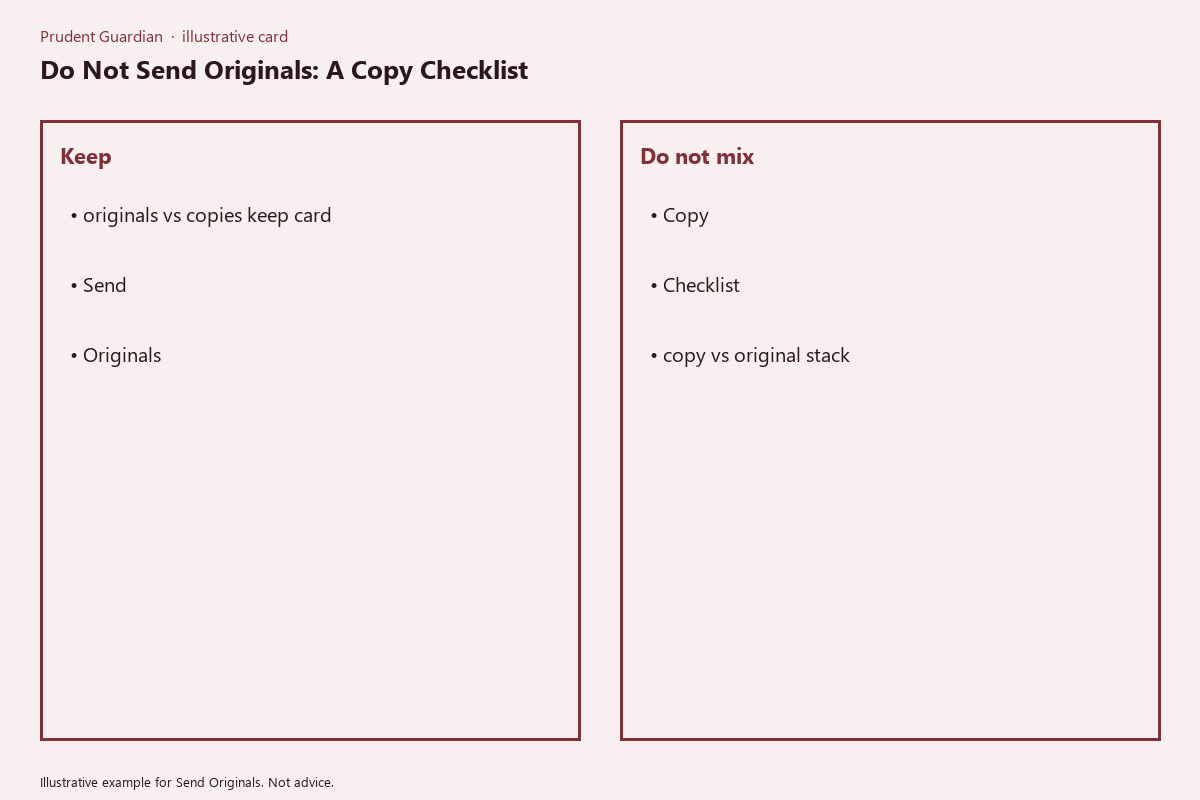
Every household must keep a full, unaltered copy of every document submitted to an external entity, for a minimum of the retention period outlined in the printable keep card below. This card can be cut to wallet size, taped to your home office desk, or placed inside your fireproof storage box for fast reference when preparing paperwork submissions.
| Document Type | Only Send Copy? | Retention Period for Submitted Copy | Notes |
|---|---|---|---|
| Birth/Death/Marriage/Civil Union Certificates | Yes | Permanent | If a certified copy is requested, order an official duplicate from your state vital records office instead of sending your personal original |
| Social Security Card | Confirm First | 7 years | Most entities only require a copy of both sides; never mail your physical original card |
| Property Deed, Mortgage Note, or Home Title | Yes | Permanent | Certified copies can be requested from your county recorder’s office if required |
| Federal/State Tax Returns and Supporting Documents | Yes | 7 years | Keep copies of all submitted forms for audit and reference purposes |
| Insurance Policy Declarations and Claim Forms | Yes | 10 years after policy expiration or claim resolution | Include a copy of all submitted claim paperwork with your case file |
| Health Insurance Claim and Medical Record Submissions | Yes | 10 years after date of service | Redact sensitive personal health information only if explicitly allowed by the recipient |
| K-12 or College Transcript Requests | Confirm First | 7 years | Most schools accept unofficial copies for initial applications; order official transcripts directly from your previous institution for final enrollment |
| Voter Registration or Election Document Submissions | Yes | 2 years after election cycle | Retain copies to confirm registration status if issues arise at polling locations |
| Vehicle Title or Registration | Yes | Permanent | Only bring the original title to in-person DMV appointments for title transfers |
| Passport ID Page or Visa Documentation | Confirm First | 10 years after expiration | Never mail your physical passport unless explicitly instructed by a federal immigration or consular office |
All submitted copies must be full-page, uncropped, and clear enough that all text, signatures, and watermarks are legible. If you are scanning copies for digital submission, set your scanner to 300 DPI minimum to ensure readability, and save files in non-editable PDF format to avoid accidental alterations. If an entity insists you submit an original document, ask for written confirmation of this requirement, and request a signed, dated receipt for the original before handing it over, with a clear timeline for return.
Labeled folder organization system for separating originals from submitted copies
Create two distinct physical folder sets, plus a mirrored digital folder structure, to eliminate accidental original submissions. First, the master originals folder: use a bright red, heavy-duty folder labeled in all caps on the front and spine: “NO SENDING – ORIGINALS ONLY”. No document from this folder is ever placed in an outgoing mail envelope or digital submission packet. The only time you remove a document from this folder is for in-person appointments where you will present the original and bring it home the same day. Second, the submitted copies folder set: use color-coded folders for each recipient category, with blue for government offices, green for financial institutions (banks, lenders, tax preparers), yellow for insurance carriers and healthcare providers, and purple for schools, childcare providers, and youth programs. Each individual subfolder is labeled with the recipient name, date of submission, and tracking number (if mailed or sent via certified delivery). Mirror this exact structure in a password-protected cloud storage account, with each scanned copy named using the format [Document Type_Recipient Name_Date of Submission.pdf] for fast search and retrieval. Add a temporary “Copy Prep” folder to your desk space: any time you need to prepare a submission packet, pull the original from the red master folder, make a copy in the copy prep folder, return the original to the master folder immediately, then assemble your packet from the copy prep documents. This three-step process eliminates the risk of leaving an original in the outgoing pile by mistake.
Mailed letter copy attachment rules for external official requests
Every mailed packet containing official paperwork must follow three core rules to avoid confusion and confirm no originals are included. First, add a cover sheet to the front of every packet, with bold 14-point text at the top that reads: “ATTACHED ARE COPIES ONLY: NO ORIGINAL DOCUMENTS INCLUDED”. Below this line, list every attached copy by name, number of pages, and any associated reference number (such as a claim number or application ID) so the recipient can cross-reference their request against your submission. Second, never staple copies to the cover sheet or to each other: use removable paper clips to hold pages together, so the recipient can scan or file documents without damaging them, and avoid the risk of pages being torn when staples are removed. Third, include a copy of your delivery confirmation (such as a USPS Certified Mail form, UPS tracking slip, or signature confirmation receipt) inside the packet itself, as well as in your submitted copies folder. Illustrative example: if you are submitting a health insurance claim for a $450 urgent care visit, your cover sheet will list your claim number, the date of service, the attached copy of the bill (2 pages), the attached copy of your ID (1 page), and the explicit note that no originals are included. If the recipient requests a notarized copy of a document, you can visit a local notary public who will verify the copy matches your original and stamp the copy directly, no need to submit the original document for notarization.
Wall calendar reminder setup for tracking copy submission follow-up dates
Use a physical wall calendar in a high-traffic area of your home (such as your kitchen or home office) or a synced digital calendar that sends mobile alerts, to log three key dates for every copy submission you send. First, mark the date you submitted the packet, with a note of the recipient name and reference number. Second, mark the follow-up date: if the recipient provides an expected processing timeline, log the follow-up date for 2 business days after that timeline ends; if no timeline is provided, log the follow-up date for 21 days after submission. Third, mark the date you completed a follow-up, with a short note of who you spoke to, their employee ID (if provided), and any next steps they outlined. If you do not receive a confirmation of receipt within 10 days of submission, reach out to the recipient using the contact information on their official website, and reference your tracking number or cover sheet details to confirm they received your materials. If the recipient reports they never received your packet, you can pull a duplicate copy from your submitted copies folder and resend it immediately, no need to request replacement original documents from issuing agencies which can take weeks or months to process. Once you receive a final confirmation that your submission was processed and accepted, mark that date on your calendar, and move the physical submitted copy folder to your long-term storage if no further action is required.
Fireproof box storage protocols for all irreplaceable original household documents
All original household documents must be stored in a fireproof, waterproof lock box that is placed at least 3 feet off the floor, in a cool, dry area of your home (avoid attics, basements, or garages where temperature and humidity fluctuations can damage paper documents over time). The box should have either a physical key or a combination lock, with access limited to 1 or 2 trusted household members, to avoid misplacement of originals. Tape a printed copy of the keep card table from the first section of this guide to the inside lid of the fireproof box, so you can reference it any time you remove a document to prepare a submission, to confirm you are not sending an original by mistake. Keep a full set of scanned copies of every original document in your password-protected cloud storage account, so you can access them even if the physical box is damaged or lost in a disaster. If you are required to leave an original document with an official entity for any reason (such as a court filing or property closing), get a dated, signed receipt that specifies the exact original document you provided, a contact name for follow-up, and a clear date by which the original will be returned to you. As soon as you receive the original back, confirm it is unaltered, then place it immediately back in the fireproof box.
Right now, pull any outgoing official paperwork packet you have prepared but not yet sent, cross-reference each document against the keep card table, and confirm no original documents are included before you drop it in the mail or submit it online.