Educational overview only. Prudent Guardian (inspirecodingedu.com) is not an insurance company, broker, law firm, or registered investment adviser, and does not provide personalized insurance, investment, tax, medical, or legal advice. Verify details with licensed professionals and official issuers.
U.S. household administrative documents need organized, long-term storage solutions that balance ease of access for routine tasks like tax filing and protection against accidental loss or damage. Many households rely on a mix of physical manila folders for original hard-copy records and recordable CDs for scanned copies of high-use documents that don’t require a wet signature for verification. Choosing the right storage method for each document type cuts down on time spent searching for paperwork during rental applications, school enrollment, tax audits, and insurance claim filings. Prudent Guardian offers this educational guidance to help households build a consistent storage system, and always confirm document submission requirements with the requesting agency, school, or tax authority before submitting copies in place of originals.
Prudent Guardian editors
Manila paper folder sorting protocols for physical benefit letters and annual tax forms
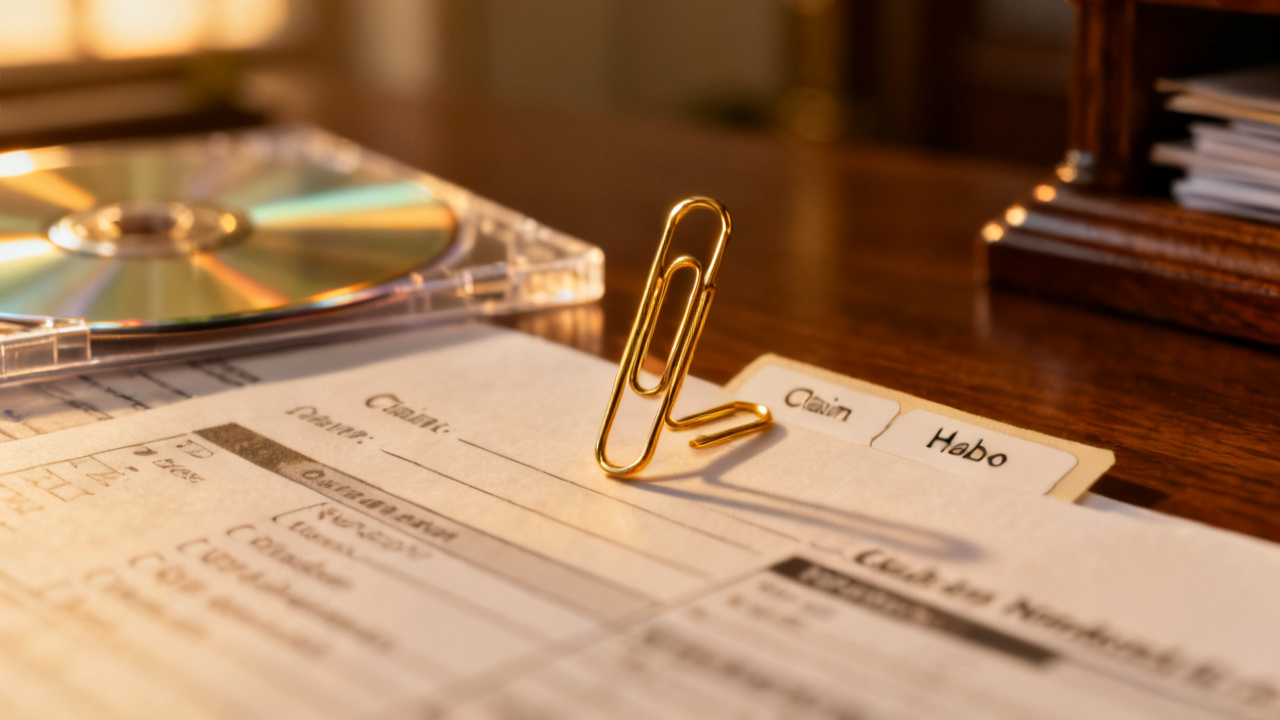
Only store original, wet-signature or officially stamped documents in manila paper folders, as these are the only versions that will be accepted for high-stakes requests like IRS audits, property title transfers, or vehicle registration updates. Start by sorting physical documents into two core groups: benefit letters and tax forms, then split each group by year or issuing agency to reduce sorting time. Use standard 3-tab manila folders for each subcategory, and label the tab clearly with the category name and date range, e.g., “VA Disability Benefit Letters 2020-2024” or “2023 State Tax Return Original + Supporting Documents”. Avoid stapling documents with scannable barcodes, as staple holes can interfere with automated processing; use plastic-free paper clips instead to secure grouped documents. Do not store duplicate copies, printed receipts for minor purchases, or non-official correspondence in these folders, as extra papers will clutter the system and make critical documents harder to find. For households with multiple family members, create separate folder sets for each adult and each minor child to keep records organized by person.
Blank record CD labeling requirements for scanned rental application forms and school records
Record CDs are ideal for scanned copies of documents you submit frequently, as they are low-cost, portable, and not vulnerable to cloud data breaches if stored securely. Scanned rental applications, school enrollment forms, immunization records, pay stubs, and monthly bank statements are all appropriate for CD storage, as most requesting parties accept scanned copies for routine requests. Follow strict labeling rules to avoid data loss and ensure you can identify CD contents without loading the disc into a device. Never write directly on the top surface of a record CD with permanent marker, as the ink can corrode the reflective data layer and make files unreadable. Use only adhesive labels designed specifically for recordable CDs, or print directly onto printable CDs if you have a compatible printer. Every CD label must include the date the disc was burned, the core document category stored on the disc, the file type used for all scans (PDF is recommended for universal compatibility), and the date you can discard the disc per your retention policy. Always burn two identical copies of every record CD: one for your primary home storage system, and one for offsite backup storage. To help you decide which documents belong in folders vs on CDs, use the printable decision card below:
Paper vs Disc Storage Decision Card (print and keep near your file box)
| Document Type | Store in Manila Paper Folder? | Store on Record CD? | Retention Period | Notes for Submission |
|---|---|---|---|---|
| Original signed federal tax return + supporting W-2/1099 | Yes | Yes (scanned copy) | 7 years from filing date | Only submit original if explicitly requested by the IRS |
| Social Security benefit award letter (original) | Yes | Yes (scanned copy) | Permanent | Scanned copies acceptable for most employment verification requests |
| Signed rental application (current) | No | Yes | 2 years after lease end | Submit scanned copy for most new rental pre-approvals |
| School immunization record (original stamped) | Yes | Yes (scanned copy) | Until child turns 26 | Scanned copies acceptable for camp, sports, and college enrollment |
| Property deed (original notarized) | Yes | Yes (scanned copy) | As long as you own the property | Scanned copy acceptable for most home improvement permit requests |
| Car title (original notarized) | Yes | Yes (scanned copy) | As long as you own the vehicle | Scanned copy acceptable for parking permit and auto insurance quote requests |
| Annual insurance policy declaration page (original signed) | Yes | Yes (scanned copy) | 5 years after policy expiration | Scanned copy acceptable for most initial claim filings |
Color-coded file box placement guidelines for stored folders and sealed record CDs
Use a color-coded file box system to separate your storage groups and make it easy to locate records in a hurry. Assign red file boxes for permanent paper records, including original tax returns older than 3 years, property deeds, vehicle titles, and benefit award letters. Assign blue file boxes for active paper records, including tax returns from the last 3 years, current insurance policy declarations, and active lease documents. Assign green file boxes exclusively for sealed record CDs, stored in individual jewel cases or acid-free CD sleeves to prevent scratches. Place all file boxes at least 3 feet off the ground in a cool, dry, low-traffic area of your home, such as a second-floor closet or interior office cabinet, to avoid damage from flooding, spills, or temperature fluctuations. Never store file boxes in attics, basements, or garages, where humidity, extreme heat, or pest activity can destroy paper and corrupt CD data. Keep file boxes at least 2 feet away from windows to avoid sun fading of paper labels and warping of CDs. Illustrative example: A household in a coastal flood zone may store their primary file boxes on a high shelf in a second-floor linen closet, and their backup CD set in a locked fireproof safe at a family member’s home 15 miles inland. Label the outside of every file box with the category of contents, date range of records, and a household contact phone number in case boxes are relocated during an emergency evacuation.
Household tracking calendar updates to note folder and CD archive refresh dates
Add recurring events to your shared household calendar to keep your storage system up to date and avoid data loss from expired media or outdated documents. First, schedule a 15-minute quarterly check-in to inspect all file boxes for signs of damage, including water stains, mold growth on paper, scratched CDs, or peeling labels. Second, add an annual event for the second week of January, after you receive all year-end tax documents, to sort original tax forms into their corresponding manila folder, scan all supporting documents to a new tax records CD, and label both for storage. Third, schedule a triennial (every 3 years) CD refresh event to re-burn all scanned records to new, unused CDs, as standard recordable CDs have an estimated lifespan of 5 to 10 years, and refreshing every 3 years eliminates the risk of unexpected data corruption. Fourth, add an annual event for the end of June to purge all documents and CDs that are past their retention period per the storage decision card, shredding physical paper and physically breaking discarded CDs to protect sensitive personal information. Note the retention end date for each folder and CD in your calendar entry so you do not have to look up retention rules each time you purge records. Illustrative example: A household may set a January 12, 2025 calendar reminder to file their 2024 W-2 and 1099 forms in their 2024 tax folder, burn scanned copies to a new CD, and shred their 2017 tax records which have passed the 7-year IRS retention window.
Digital access schedule setup for retrieving records stored on CDs and in physical folders
Establish a clear access schedule and system for your household to avoid lost folders, misplaced CDs, or unauthorized access to sensitive personal records. First, assign one primary household admin to manage all file box access, so you have a single point of contact for all record requests and can track who is removing items from storage. Second, set a 24-hour turnaround time for non-urgent record requests, such as a scanned immunization record for a child’s sports signup, to give the admin time to locate and copy the required document without disrupting other tasks. For urgent requests, such as submitting proof of insurance after a car accident, give the admin and one backup household member access to the file box key so they can retrieve records immediately. Third, keep a printed access log taped to the top of your primary file box, requiring anyone who removes a folder or CD to write down their name, the date they removed the item, the name of the item, and the date they returned it. Fourth, schedule a 10-minute bi-annual check to test all active CDs by loading them into a computer to confirm files are readable and not corrupted. Prudent Guardian recommends keeping an additional encrypted cloud backup of your most sensitive scanned records for extra protection, but always confirm data privacy rules for your state before storing identifying information online. This guidance is for educational purposes only, always contact the requesting agency, tax professional, or licensed insurance agent if you have questions about acceptable document formats for official submissions.
Print the paper vs disc storage decision card today and tape it to the inside of your primary household file box to reference when sorting new documents this month.