
Educational overview only. Prudent Guardian (inspirecodingedu.com) is not an insurance company, broker, law firm, or registered investment adviser, and does not provide personalized insurance, investment, tax, medical, or legal advice. Verify details with licensed professionals and official issuers.
The Medicare conditional-payment letter folder card provides a pre-formatted system to organize official Medicare conditional-payment communications in a dedicated folder without attempting to interpret their complex billing verbiage. These letters reference potential Medicare reimbursements tied to third-party claims, and even minor misinterpretation can lead to costly claim delays or overpayment demands. This process walkthrough covers only physical and digital organization steps for these documents, no legal, billing, or claims advice. Prudent Guardian provides this paperwork education to help households avoid common misfiling errors that can derail existing claims processes. All questions about the content of these letters should be directed to the official sender listed on the letterhead, your assigned claims clerk, or a licensed Medicare representative, as this page cannot bind coverage, adjust claim outcomes, or resolve billing disputes.
Received conditional-payment letter sorting protocols
Upon delivery, mark the front of the unopened envelope with the date of receipt in black permanent ink; do not open it until you are ready to complete the full sorting process in one 10-minute session to avoid partial processing and misplaced documents. Open the envelope carefully along the top edge to avoid tearing any perforated response forms or embedded barcodes, which are required for automated processing by Medicare systems. Separate all contents into three distinct stacks: the original letter, any attached billing exhibits or addenda, and pre-printed return envelopes or response forms. Do not highlight, write notes on, or cross out any text on the original letter or exhibits, as marked documents may be rejected as altered during claims processing. If you receive multiple conditional-payment letters in the same delivery, sort each one individually and do not staple or clip them together during initial processing. If the envelope is damaged during delivery, write “Damaged on receipt” next to the receipt date mark, and keep the damaged envelope with the letter contents, as the postmark may be required to verify timely receipt if a dispute arises later. Do not attempt to reassemble any torn pieces of the letter yourself; instead, place all torn fragments in a clear plastic sheet protector and note the damage on your folder card when you process the letter.

Color-coded document folder labeling requirements
Use a solid red 2-pocket manila folder with no printed patterns or branding, so it is instantly identifiable as Medicare conditional-payment correspondence even during rushed document retrieval. On the front cover top left, write your full legal name, Medicare ID number (redact all but the last four digits if you store the folder in a shared space or accessible home office), and the line “Medicare Conditional-Payment Correspondence Only” in 3/4 inch black capital letters. On the front cover bottom right, write the earliest receipt date of any letter in the folder, and update that date each time you add a new document to the folder to quickly track the age of your oldest unprocessed correspondence. The inside left pocket is reserved for unprocessed, newly received letters, while the inside right pocket is for letters that have been logged on your calendar and paired with the official folder card. No other documents, like private medical bills, private insurance correspondence, or routine Medicare benefits notices, go in this folder, even if they reference Medicare services. Illustrative example: If you receive your first conditional-payment letter on 10/12/2024, the bottom right of the folder will read 10/12/2024, and you update that to 11/03/2024 when you receive a second letter on that date. If you share a household with another person who receives Medicare correspondence, assign a unique colored sticker to each person’s red folder, placed on the top left corner next to their name, to avoid mixing up documents. Do not use file folders that are orange, pink, or purple, as these can be confused with other medical or insurance correspondence folders during urgent document requests.
Wall-mounted office calendar entry guidelines
Use a physical wall-mounted calendar, not a digital calendar exclusively, to avoid lost access due to tech outages, forgotten passwords, or device failure. For each received letter, make two simple, low-detail entries to protect your privacy and ensure timely follow-up: First, a dated entry on the receipt date that reads “Medicare conditional-payment letter received, filed in red folder” with no additional details about the claim, patient, or billing amounts. Second, a reminder entry 10 calendar days after the receipt date that reads “Submit received Medicare conditional-payment letter to assigned claims clerk, attorney, or Medicare representative for review” – do not set this reminder for less than 10 days or more than 14 days to avoid missing formal response windows outlined in the letter. Do not write any billing amounts, claim numbers, or personal health details on the calendar, to protect your privacy if the calendar is visible to guests, household staff, or contract workers. If you do not have a dedicated wall calendar, use a printed paper desk calendar that is stored in the same locked drawer as your other sensitive financial documents. If the 10-day reminder date falls on a weekend or federal holiday, set the reminder for the first business day after that date to ensure you can reach your representative during normal business hours. Do not share access to the calendar with anyone outside your immediate household, and store it in a private area of your home office if you have frequent visitors or contract workers in your space.
Standardized cover form insertion instructions
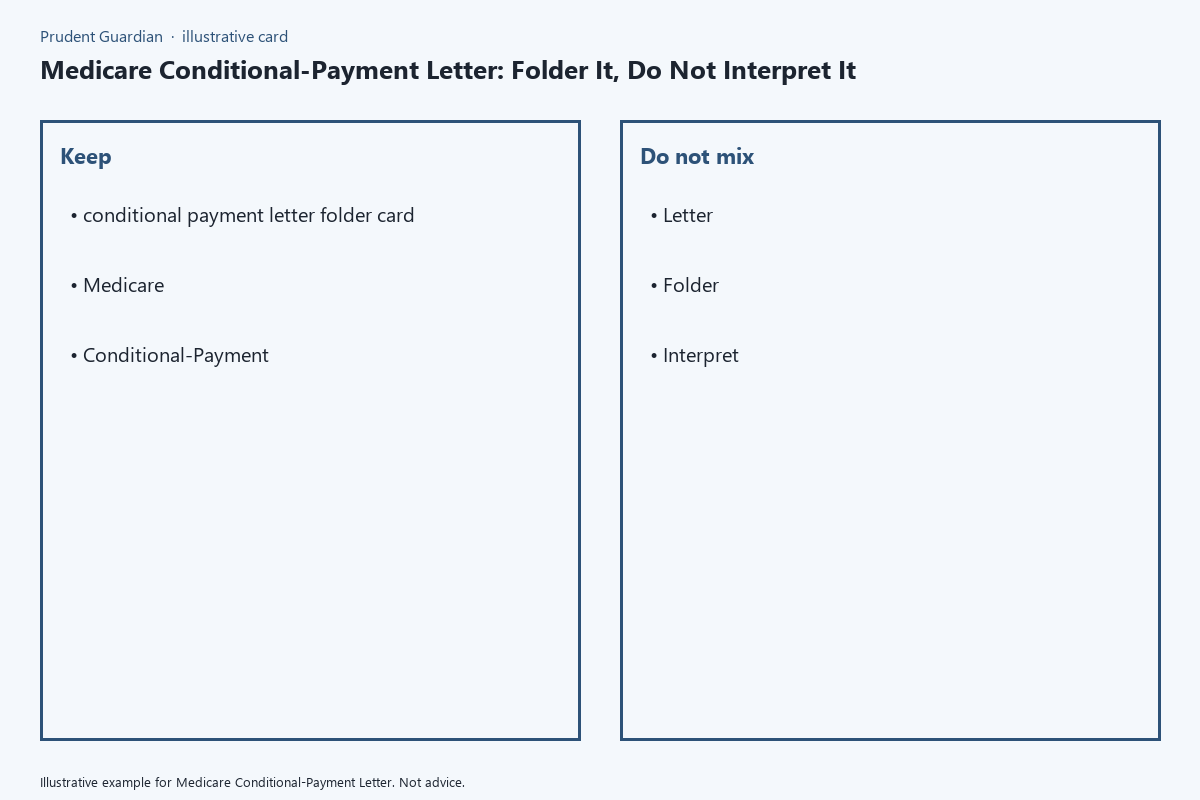
Every letter added to the processed (right) pocket of the folder must be paired with a printed copy of the standardized conditional-payment letter folder card, which logs only core administrative details and explicitly prohibits interpretation of the letter contents. The full folder card template is below:
| Conditional-Payment Letter Folder Card | Entry Details (no billing notes or interpretation allowed) |
|---|---|
| Letter receipt date (postmark date) | mm/dd/yyyy |
| Date filed in folder | mm/dd/yyyy |
| Medicare ID associated with letter | Last 4 digits only (full ID redacted for privacy) |
| Recipient full legal name | First, middle, last, suffix if applicable |
| Submitted to licensed representative? | Yes / No / Pending |
| Submission date (if applicable) | mm/dd/yyyy |
| Representative contact reference number | Leave blank until provided by your licensed contact |
Print this card on 8.5×11 white cardstock, cut it to 4×6 inch size, and paperclip it to the top left corner of the corresponding original letter; do not staple it to avoid damaging the official document, which may be required for submission as evidence in claims processes. Do not write any notes about the letter’s contents, requested payment amounts, or perceived errors on the card – only fill in the fields listed above. If you receive an updated letter that references a previously submitted conditional-payment notice, print a new folder card for the updated document, and note the date of the original letter in the representative contact reference number field for cross-reference. Do not alter or erase entries on existing folder cards; if you need to correct an entry, cross it out with a single thin line, write the corrected entry next to it, and initial and date the correction. If you have questions about any content in the letter, direct them exclusively to the sender listed on the letterhead, your assigned claims clerk, or a licensed Medicare representative.
Fire-resistant storage box organization tips
The red conditional-payment folder must be stored in a UL-listed fire-resistant document box rated for at least 30 minutes of fire protection, to prevent loss of critical claims documents in the event of a home emergency. Store the folder in the front section of the box, separated from other Medicare documents like your enrollment card or annual benefits notices, so you can retrieve it in under 10 seconds if requested by a claims representative. Do not store digital copies of the letters on unsecured cloud drives; if you make digital backups, save them to an encrypted external hard drive that is stored in the same fire-resistant box as the physical folder. Once a claim tied to the conditional-payment letters is fully resolved, move the entire folder to a long-term storage section of the box, labeled with the claim closure date, and keep it for a minimum of 10 years after closure to comply with federal recordkeeping requirements for Medicare-related correspondence. Prudent Guardian recommends reviewing your storage box contents once per year to remove any documents that are no longer required to be retained, per guidance from your licensed tax or legal advisor. Make sure the fire-resistant box is stored at least 3 feet off the floor, in a dry area of your home that is not prone to flooding, such as a second-floor closet or built-in office cabinet, to avoid water damage to the documents if a pipe bursts or your home experiences minor flooding. Do not store the box near heat sources like space heaters, furnaces, or water heaters, as excess heat can warp the plastic components of the box and damage the paper documents inside.
Your immediate next step is to gather any unfiled Medicare conditional-payment letters you have received, mark them with their receipt date, and place them in a temporary unprocessed stack to complete the full filing process within 24 hours.
Written by the Prudent Guardian editors.