Educational overview only. Prudent Guardian (inspirecodingedu.com) is not an insurance company, broker, law firm, or registered investment adviser, and does not provide personalized insurance, investment, tax, medical, or legal advice. Verify details with licensed professionals and official issuers.
Court administrative staff process valid file-stamped complaint copy requests for all civil and small claims filers in U.S. state, county, and municipal courts. A file-stamped copy includes the court’s official seal and filing date, serving as formal proof that your complaint was accepted for docketing, which is required for steps like serving defendants, submitting proof of filing to third parties, or updating your case records. Prudent Guardian offers this procedural guidance to help filers navigate court administrative workflows, and notes that this document does not constitute legal advice; always confirm jurisdiction-specific requirements with your local court clerk or a licensed legal professional before submitting your request. The checklist below can help you track all required materials as you prepare your request.
| Request Task | Completed (☐/☑) | Notes |
|---|---|---|
| My full legal name on all request materials matches the name listed on the original filed complaint | ☐ | For represented filers, confirm counsel name and bar number match court records |
| All required case identifiers are included on my cover letter and request form (case number if available, full plaintiff/defendant names, filing date, claim type) | ☐ | Omit nicknames or abbreviations not used on the original complaint |
| I cross-referenced my personal filing receipt with the court’s public case calendar to confirm matching submission records | ☐ | Note any discrepancies between your receipt and public records for clerk reference |
| Non-relevant personal identifying information is redacted from all request materials (full SSN, full bank/credit card numbers, minor children’s full names unrelated to the case) | ☐ | Do not redact any information that appears on the original filed complaint |
| I included a clear copy of my original complaint filing receipt with my request packet | ☐ | Acceptable receipts include portal confirmation emails, in-person clerk receipts, or certified mail return receipts |
| I included a self-addressed stamped envelope with sufficient postage if requesting a mailed copy of the document | ☐ | Add extra postage for certified copies or requests for multiple pages |
| I submitted my request to the correct court channel (designated copy request drop box, official mailing address, secure online portal) | ☐ | Do not place copy requests in the general civil filing drop box to avoid misrouting |
| I saved a full copy of my request packet and delivery tracking number for my personal records | ☐ | Include tracking numbers for mailed or portal submissions for follow-up |
Signed cover letter requirements for matching filed complaint case identifiers
The cover letter is the first document court staff will review when processing your request, so it must include all information required to locate your case file quickly. Start the letter with your full legal name, contact information, and specify if you are filing as a self-represented litigant or as authorized counsel for a plaintiff. Next, include all available case identifiers: if you have been assigned a formal case number, list it prominently at the top of the letter below your contact information. If you have not yet received a case number, list the full legal names of all plaintiffs and defendants exactly as they appeared on the original complaint, no nicknames or abbreviations, as well as the general category of your claim (e.g., small claims property damage, contract dispute, eviction defense). Clearly state that you are requesting a file-stamped copy of the original complaint, and specify if you need a certified copy (which includes an additional court seal for use in formal legal proceedings) or a standard uncertified file-stamped copy for your personal records. End the letter with your original wet signature if submitting via mail or in-person drop-off; most courts accept secure e-signatures for requests submitted through their official online portal.
Case filing calendar cross-reference steps to confirm complaint submission date
Verifying your complaint submission date before submitting your copy request reduces the risk of staff being unable to locate your case file due to processing backlogs or data entry errors. First, pull your own proof of filing: this may be a printed receipt you received from the clerk when you filed in person, a confirmation email from the court’s e-filing portal, or a certified mail return receipt if you mailed your original complaint. Next, look up your local court’s public online case calendar, which is typically available on the court’s website, and search for your case using your full name and the date range around your submission. If you find a matching entry, confirm that the listed filing date, party names, and claim type match your records. If you do not find a matching entry, or if the listed filing date differs from your personal receipt, note this discrepancy on your cover letter and include a copy of your personal filing receipt with your request to help staff prioritize locating your file. Illustrative example: If you submitted your complaint via e-filing on March 14, 2024, but the court’s public calendar lists the filing date as March 18, 2024 due to a 3-day processing backlog, include both dates on your request to eliminate redundant search time for administrative staff.
Redacted request form fields to omit non-relevant personal identifying information
Most U.S. courts require filers to submit a standard records request form alongside their cover letter for all copy requests. To protect your personal privacy without delaying processing, only redact non-relevant personal identifying information that is not required to match your case to the original complaint. Fields eligible for redaction include your full Social Security number (you may leave the last four digits if the form explicitly requires SSN verification), full bank account or credit card numbers used to pay original filing fees, full names of minor children who are not named parties to the case, sensitive health information that is not referenced directly in the original complaint, and personal contact information (phone number, personal email, home address) that is not listed on the original filed complaint. Do not redact any information that appears on the original complaint, as this will make it harder for staff to match your request to the correct case file. If you are submitting the request on behalf of another named party, include a signed, notarized authorization form with your request proving you have permission to access their case records.
Secure document box placement for outgoing request packet sealing and delivery
Proper packaging and delivery of your request packet ensures it is routed to the correct administrative team and processed on schedule. First, assemble your packet in the following order to make review easier for staff: signed cover letter first, followed by the filled out court records request form, followed by a copy of your original filing receipt, followed by any required authorization forms if you are requesting records on behalf of another party. If you are dropping off your request in person, place the entire unsealed packet in the court’s designated “records request” or “copy request” secure drop box, which is typically located near the clerk’s office counter. Do not place your request in the general civil filing drop box, as these boxes are only for new filings and your request may be misrouted or delayed by weeks. If you are mailing your request, use a rigid cardboard envelope to prevent the returned file-stamped copy from being bent or damaged in transit, and send it via first class or certified mail with a tracking number so you can confirm delivery to the court. If you are submitting your request via the court’s online portal, upload all documents as unencrypted PDF files unless the court explicitly requires encrypted submissions, and label each file with your full name, party type (plaintiff), and request type (file-stamped complaint copy request) to avoid processing delays.
Processing timeline schedule milestones to track your copy request status
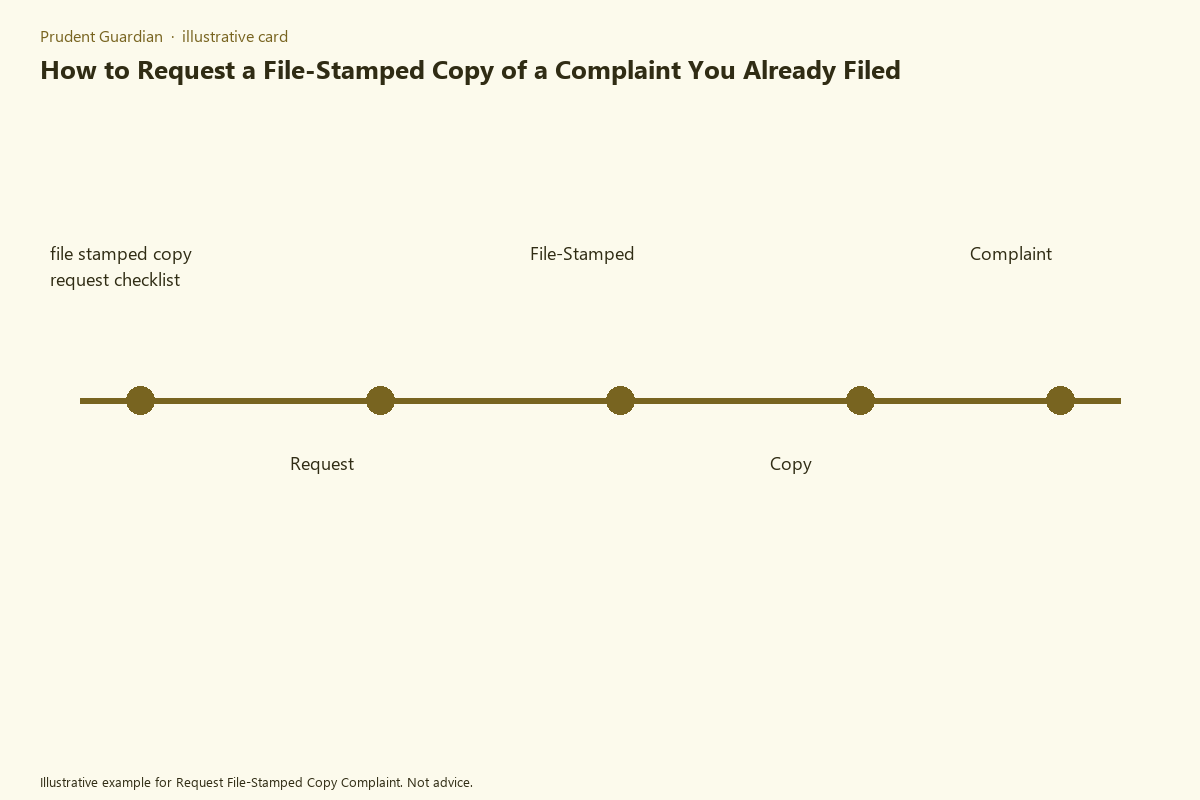
Tracking standard processing milestones helps you identify when to follow up with the clerk if you do not receive your requested copy on time. The first milestone is delivery confirmation: within 2 business days of submitting your request, confirm the court has received it using your mailing tracking number, in-person drop-off receipt, or portal submission confirmation. The second milestone is initial processing: most courts process routine copy requests for cases filed within the past 12 months within 7 to 10 business days of receipt; for cases filed more than 12 months prior that are stored in off-site archives, processing may take 14 to 21 business days. The third milestone is issue notification: if court staff cannot locate your case file or need additional information to process your request, they will send a notification via mail or portal message within 10 business days of receiving your request. The fourth milestone is delivery of your copy: once processed, standard uncertified file-stamped copies are typically mailed the same day, while certified copies may take an additional 2 to 3 business days to process before mailing. Illustrative example: If you submit a request for a standard file-stamped copy of a 6-month-old case on July 8, 2024, you can expect to receive your copy no later than July 22, 2024 if there are no issues locating your file.
Pull your original complaint filing receipt today to confirm the exact submission date and party name spelling before drafting your request cover letter.